
To the right of the patient search function in the middle of the OCULO homepage, is the Add a Patient icon. Fields marked with an asterisk are mandatory.
Patient Consent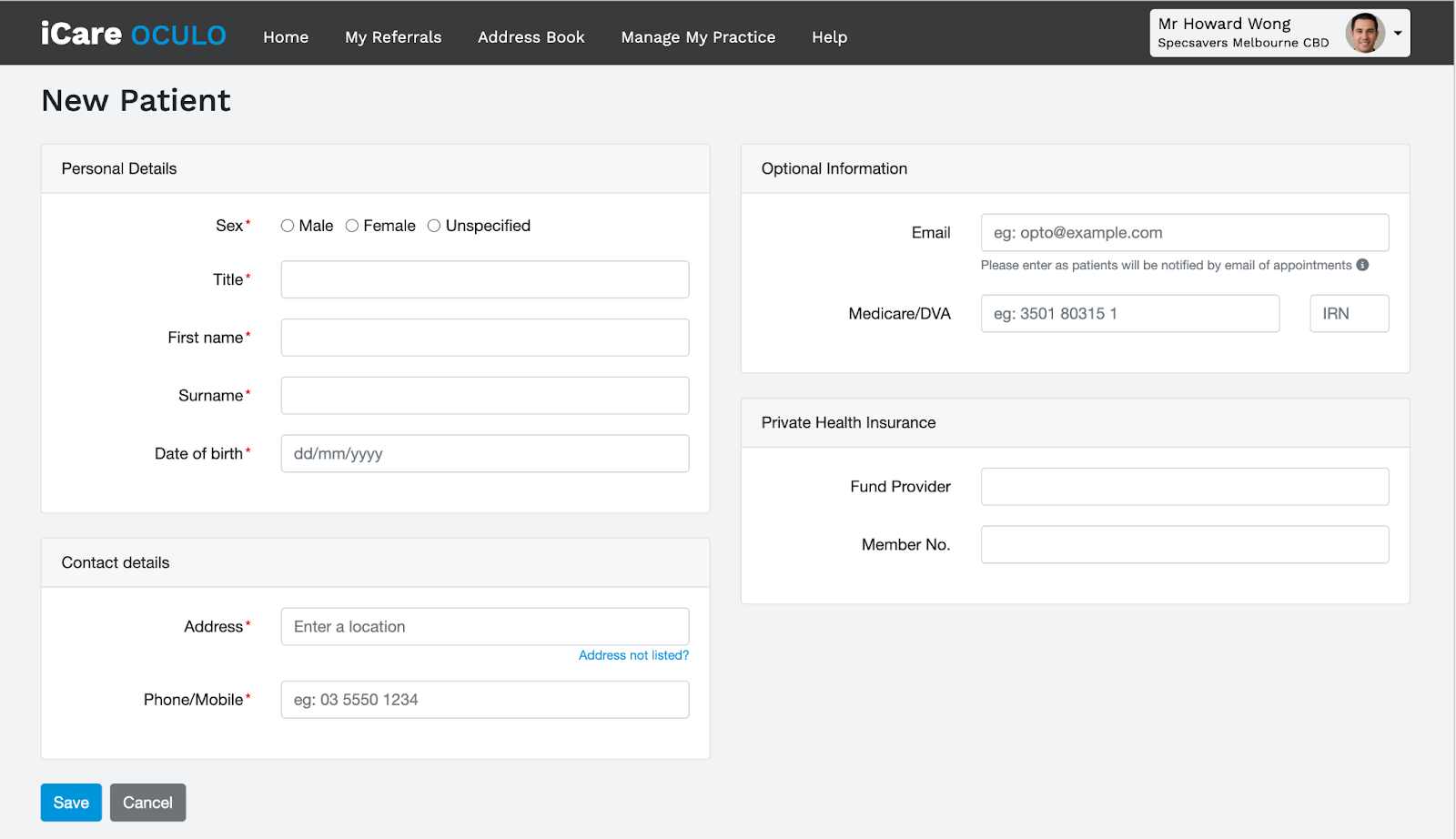
When you add a patient to OCULO, the user must ensure they have received patient consent. The following window will appear and the user must tick the ‘I Understand’ box, and click the ‘I Understand’ button, to proceed to creating a patient record within OCULO.
The Patient Record
The patient record displays as per below. If you have patient consent, you can view or edit a patient record. You can view medical history and referral history. You can also create a new referral or new eye report from this page.

0 Comments